District Light Account Verification – How to Complete Your ID Check
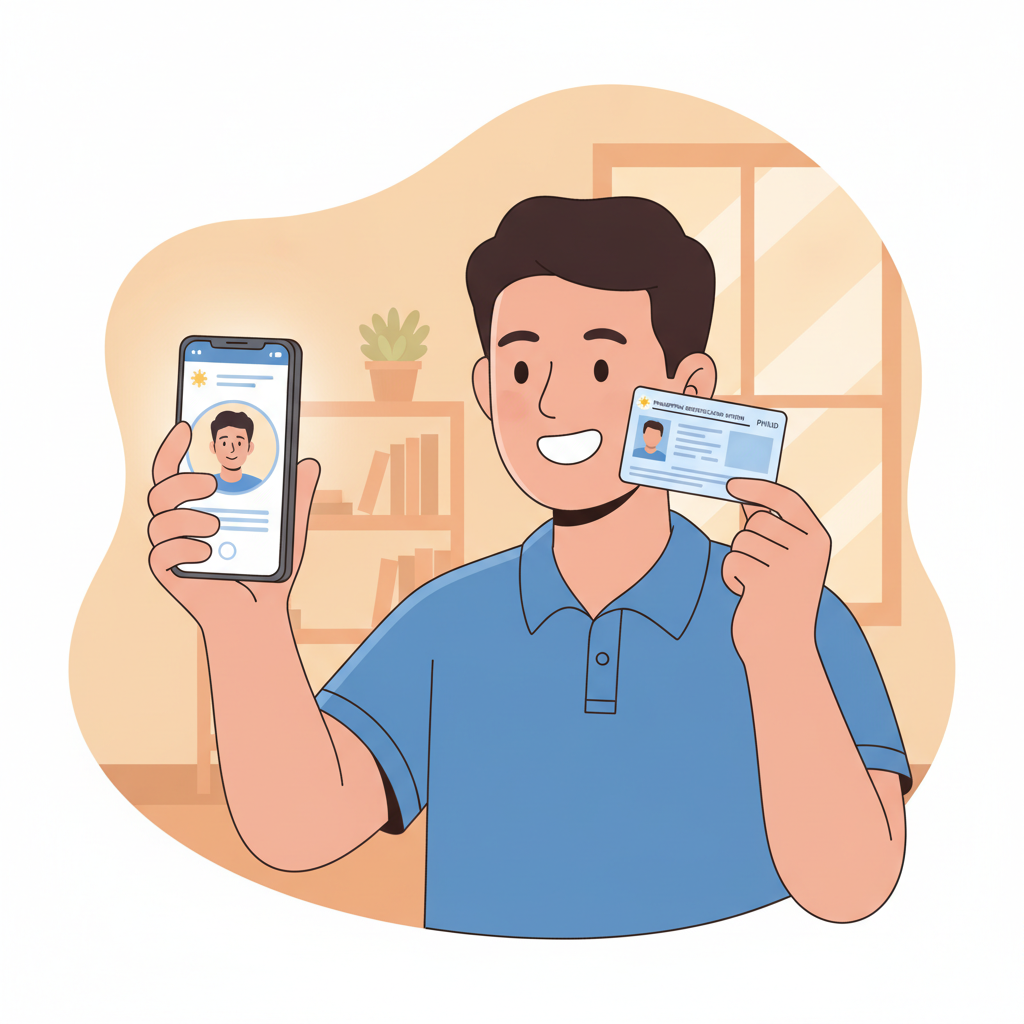
Why District Light Requires ID Verification for Filipino Players
District Light asks every player in the Philippines to complete identity verification before making their first withdrawal. This ID check is a standard practice across regulated online casinos and sportsbooks worldwide.
The platform uses verification to confirm three key details: that the person placing bets is at least 21 years old, that the account holder's name matches the payment method (GCash, Maya, or bank account), and that the same person who registered the account is the one using it.
For players, verification helps prevent unauthorized withdrawals if someone else gains access to your account. For District Light, it supports anti-fraud measures and responsible gambling policies by ensuring minors cannot create accounts using someone else's ID or payment details.
Most Filipino players complete the ID check within a few minutes of uploading their documents. The platform reviews submissions manually, so approval times vary, but the process is straightforward once you know which documents are accepted and how to photograph them correctly.
Accepted Government IDs for District Light Verification
District Light accepts several Philippine government-issued identification documents. Your ID must be current (not expired) and show your full name, date of birth, and photograph clearly.
The most commonly used IDs include:
Passport – The data page with your photo, full name, birth date, and passport number. Make sure the entire page is visible and the passport has not expired.
Driver's License – Front and back of a valid Philippine driver's license issued by the Land Transportation Office. Both sides must be uploaded as separate photos.
UMID (Unified Multi-Purpose ID) – Issued by the Social Security System. Upload both the front (with your photo and name) and back (with your signature and ID number).
PhilHealth ID – The current version with photo, full name, and member number. Older versions without a photo are not accepted.
Postal ID – Issued by PhilPost, showing your photo, name, and address. Must be the card version, not the paper receipt.
National ID (PhilSys) – The national identification card issued by the Philippine Statistics Authority. Front and back photos are required.
SSS ID – Social Security System ID card with photo and full name visible.
Voter's ID – Commission on Elections ID showing your photo, name, and voter registration details.
District Light does not accept barangay-issued IDs, company employee IDs, student IDs, or senior citizen cards for primary verification. If your ID is damaged, faded, or has tape or stickers covering any printed information, the platform may reject your submission and ask for a different document.
Step-by-Step Photo Upload and Submission Process
Once you have decided which government ID to use, follow these steps to submit it through your District Light account.
Step 1: Log in to your District Light account
Open the District Light website on your phone or computer and enter your registered mobile number or email and password at the District Light login page.
Step 2: Navigate to account settings or profile
After logging in, tap the menu icon (usually three horizontal lines) and look for "Account," "Profile," or "Verification." The exact label may vary, but it is typically found in the main navigation or under your username.
Step 3: Select "Verify Identity" or "Upload ID"
Inside your account settings, find the section labeled "Identity Verification," "KYC," or "Upload Documents." Tap or click to open the upload form.
Step 4: Choose your ID type
Select the type of government ID you are uploading from the drop-down menu. This tells District Light which document format to expect and ensures the review team checks the correct fields.
Step 5: Take clear photos of your ID
Use your phone camera or scanner to capture your ID. Follow these tips for the best results:
- Place the ID on a flat, solid-colored surface (avoid patterned or reflective backgrounds).
- Make sure all four corners of the ID are visible in the frame.
- Avoid glare, shadows, or reflections that obscure text or your photo.
- Do not crop the image so tightly that the edges are cut off.
- Ensure the photo is in focus—no blurry text or images.
- Upload the image in JPG, JPEG, or PNG format. File size should be under 5 MB per photo.
If your ID has information on both sides (like a driver's license or UMID), take a separate photo of each side and upload both.
Step 6: Review your photos before submitting
Before you tap "Submit," zoom in on each photo and confirm that your name, birth date, ID number, and photo are all legible. If any detail is unclear, retake the picture.
Step 7: Submit your documents
Tap "Submit" or "Upload" to send your photos to the District Light verification team. You should see a confirmation message on screen.
Step 8: Check your email and account status
District Light will send an email to your registered address confirming receipt of your documents. Check your account profile or verification section to see the status—usually marked as "Pending Review," "Under Verification," or similar wording.
Do not upload multiple copies of the same ID or submit different IDs for the same verification request. Stick to one set of documents unless District Light asks for additional proof.
How Long Verification Usually Takes
Most Filipino players receive approval within 24 to 48 hours after submitting their ID. During peak periods—such as weekends, holidays, or major sporting events like PBA playoffs—review times can extend to 72 hours.
District Light reviews every submission manually to ensure accuracy and security. If your documents are clear and match the information on your account, approval is typically fast. You will receive an email notification once your identity has been verified, and your account status will update to "Verified" or "Approved."
If District Light finds an issue with your submission—such as a blurry photo, expired ID, mismatched name, or missing back-side image—the platform will send an email explaining what needs to be corrected. You will then need to log back in and upload new photos.
Common reasons for delayed or rejected verification include:
- Name on the ID does not match the name registered on the District Light account.
- ID has expired or the expiration date is not visible.
- Photos are too dark, too bright, or out of focus.
- Only one side of a two-sided ID was uploaded.
- Screenshots or photocopies were submitted instead of original photos.
If you do not hear back within 72 hours, check your spam or junk email folder. You can also contact District Light customer support through live chat or email to ask for a status update.
21+ Age Verification and Responsible Gambling
District Light is open only to players who are 21 years of age or older. The ID verification process is the primary method the platform uses to enforce this age requirement.
When you upload your government-issued ID, the review team checks your birth date to confirm you meet the minimum age. If your ID shows you are under 21, your verification will be rejected and your account may be suspended or closed.
Age verification protects younger individuals from gambling-related harm and helps District Light comply with responsible gambling standards. Even if you successfully register an account, you will not be able to withdraw any winnings until your age and identity are confirmed.
Beyond age checks, District Light encourages all players to gamble responsibly. Set a budget before you start playing slots, live dealer games, or betting on PBA and NBA matches. Treat your deposits—whether PHP 100 or PHP 500—as entertainment spending, not a way to make money.
If you feel that gambling is affecting your finances, relationships, or daily life, take a break. District Light offers account limits and self-exclusion tools in the responsible gambling section of your account settings. You can also reach out to local support organizations in the Philippines for confidential help.
Remember: all casino games and sports betting carry risk, and there are no guaranteed winnings. Play only with money you can afford to lose, and never chase losses.
This guide is for informational purposes only. District Light Guide PH is an independent resource and is not operated by District Light. Players must be 21 years or older. Gamble responsibly.