How to Register on District Light – Step-by-Step Guide for Filipino Players
What You Need Before Signing Up
Before you start the District Light register process, gather these items to make sign-up smooth and fast:
Valid government-issued ID
District Light requires ID verification for all accounts. Accepted IDs include your Philippine passport, driver's license, UMID, SSS card, postal ID, or any government ID with your photo, full name, and birthdate. Make sure the ID is not expired and that all details are readable.
Active mobile number
You need a working Philippine mobile number to receive a one-time PIN (OTP) during registration. District Light sends verification codes via SMS, so use a number you can access immediately.
Email address
An active email is required for account confirmation and future communications. Use an email you check regularly—District Light will send login links, security alerts, and updates here.
Proof of age (21 years and older)
District Light is strictly for players aged 21 and above. Your ID must show a birthdate that proves you meet this requirement. Accounts registered by anyone under 21 will be blocked.
Stable internet connection
Most Filipino players use mobile data or home Wi-Fi. A stable connection prevents errors when uploading ID photos or completing the sign-up form.
Step-by-Step District Light Registration Process
Follow these steps to create your District Light account on your Android phone or desktop browser.
Step 1: Visit the District Light Website
Open your mobile browser (Chrome, Safari, or Firefox) and go to the official District Light homepage. Look for the "Register" or "Sign Up" button in the top-right corner. Tap it to begin.
Tip: Bookmark the official site so you always use the correct URL when you District Light login later.
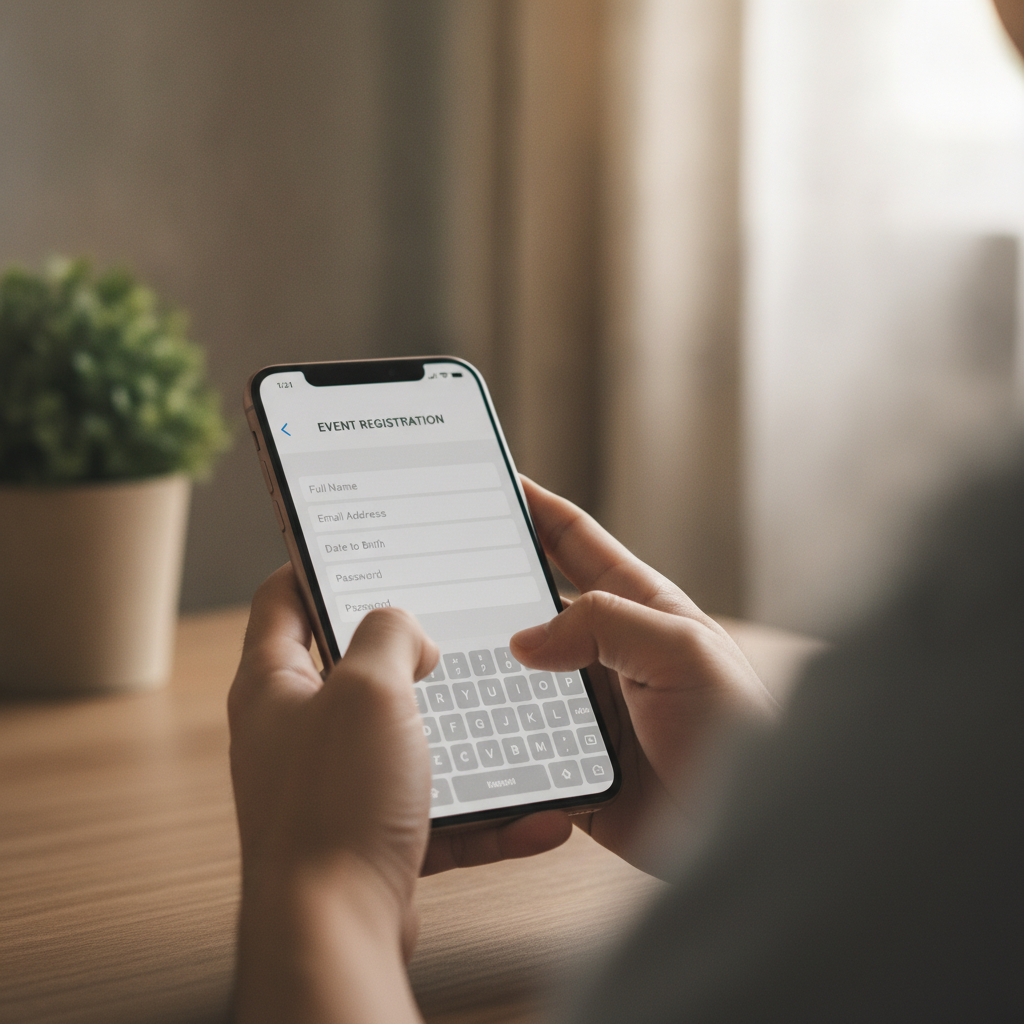
Step 2: Fill Out the Registration Form
You will see a sign-up form asking for:
- Full name (as it appears on your ID)
- Birthdate (must confirm you are 21 or older)
- Mobile number (Philippine format, e.g., 09XX XXX XXXX)
- Email address
- Password (create a strong password with letters, numbers, and symbols)
Double-check every field. Spelling errors or mismatched details will cause problems during ID verification.
Step 3: Accept Terms and Conditions
Before submitting, you must tick the box to confirm you have read the Terms and Conditions and Privacy Policy. This step also confirms you are at least 21 years old.
Tap "Submit" or "Create Account" when ready.
Step 4: Verify Your Mobile Number
District Light sends a six-digit OTP to the mobile number you entered. Check your SMS inbox, then enter the code in the verification screen.
Common issue: If the SMS does not arrive within two minutes, tap "Resend Code." Make sure your phone has signal and your inbox is not full.
Step 5: Verify Your Email Address
Check your email inbox (and spam or junk folders) for a message from District Light. Click the verification link inside to confirm your email.
Once confirmed, your basic account is active—but you still need to complete ID verification before you can deposit or place bets.
ID Verification Requirements and Tips for First-Time Users
District Light requires identity verification to comply with age and security standards. Here is what you need to know.
What Documents to Upload
Prepare clear photos or scans of:
- Front of your government-issued ID (passport, driver's license, UMID, SSS, postal ID, or other valid Philippine ID)
- Back of your ID (if applicable—some IDs have details on both sides)
How to Take Good ID Photos
- Use a well-lit room or natural daylight
- Lay the ID flat on a dark or plain background
- Keep all four corners visible in the frame
- Avoid glare, shadows, or blurry text
- Do not cover any part of the ID with your fingers
- Save photos in JPG or PNG format, under 5 MB each
Upload Your ID Through the Account Dashboard
After email verification, log in to your District Light account. You will see a prompt to complete verification. Tap "Upload ID" or "Verify Identity," then:
- Select the type of ID from the dropdown menu
- Upload the front image
- Upload the back image (if required)
- Tap "Submit for Review"
District Light typically reviews submissions within 24 hours on weekdays. You will receive an email or in-app notification once approved.
What Happens After Approval
Once verified, you can:
- Make your first deposit using GCash, Maya, InstaPay, or PESONet
- Browse slots, live dealer tables, and PBA or NBA sports betting markets
- Set deposit limits and other responsible gambling controls
If your ID is rejected, District Light will explain why (common reasons: blurry photo, expired ID, or name mismatch). Simply re-upload a clearer image or correct the issue.
Common Registration Errors and How to Avoid Them
"Mobile number already registered"
This means the number is linked to an existing account. If you forgot you already signed up, use the "Forgot Password" link on the District Light login page instead of creating a duplicate account.
"Invalid birthdate" or "You must be 21 or older"
District Light blocks sign-ups from players under 21. Double-check the birthdate you entered. If you meet the age requirement but still see this error, contact customer support with a screenshot.
"Email verification link expired"
Verification links usually expire after 24 or 48 hours. Log in to your account and request a new verification email from the dashboard.
"ID verification failed—name mismatch"
The name on your ID must match the name you used during registration exactly. If you entered a nickname or misspelled your name, contact support to update your account details before re-uploading your ID.
"Upload failed—file too large"
Compress your ID photo using a free app or online tool. Most platforms accept files up to 5 MB. Save images as JPG or PNG, not HEIC or other formats.
21+ Age Requirement and Responsible Gambling Reminder
District Light is available only to players aged 21 years and above. By creating an account, you confirm that you meet this legal age requirement.
Play responsibly. Online casino games and sports betting should be for entertainment, not a way to make money. Set a budget before you start, and never deposit more than you can afford to lose. District Light offers deposit limits, session timers, and self-exclusion tools to help you stay in control. If you feel gambling is becoming a problem, seek support from a trusted friend, family member, or professional helpline.
Next Steps After Registration
Once your District Light account is verified, you are ready to:
- Make your first deposit: Start with as little as PHP 100 using GCash, Maya, or bank transfer via InstaPay or PESONet
- Explore the game lobby: Try slots, live baccarat, blackjack, roulette, or sports betting on PBA and NBA
- Set your limits: Use the responsible gambling tools in your account settings
District Light is designed for Filipino players who want a straightforward mobile betting experience. Most users complete the entire District Light register process—from sign-up to first deposit—in under 10 minutes on their Android phone.
If you run into any issues during registration or ID verification, use the live chat or email support option on the District Light site. Support is available in English and Filipino.